
What Happens In An AI Workflow Walkthrough
"Use AI" is a direction, not a task, and nobody can build a direction. The walkthrough is the conversation that turns one into the other.
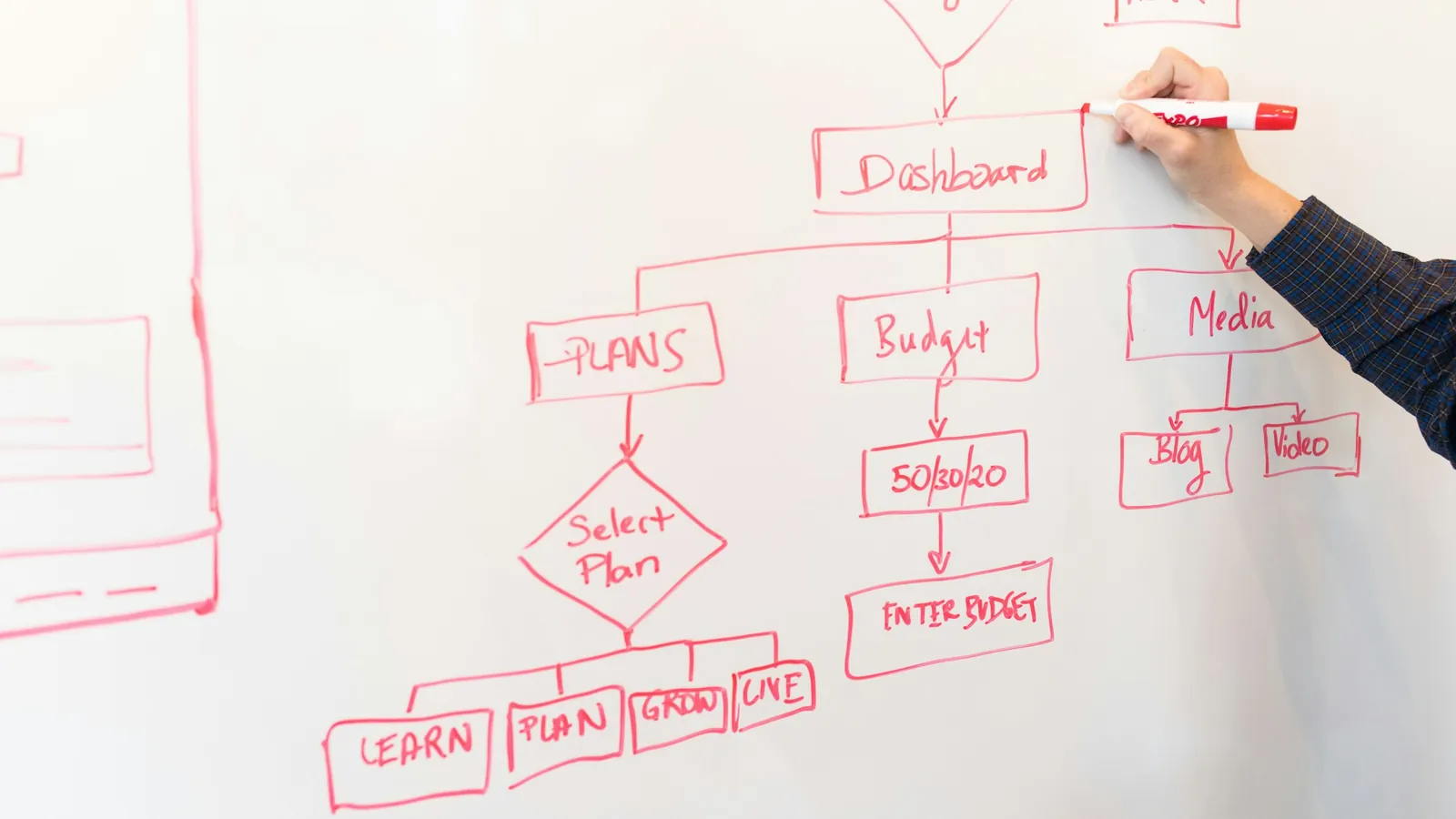
When a team says they want AI set up properly, the useful first question is what they would like it to do. That is hard to answer from a direction. So the first step of my AI Setup Package is not building. It is a conversation with the people who do the work, about how the work actually gets done.
This post sets out how I run that conversation and what I am listening for. The terms of the package itself are on its own page; this is about the part before them.
What it is, and what it is not
It is not a questionnaire and it is not a presentation. I ask the team to describe a normal week rather than the process as written down, because those two are often different.
It is also not a hunt for things to sell. If a step does not need automating, the right answer is to say so. A shared inbox rule is not an AI job, and some tasks are better left exactly as they are.
What I listen for
Four patterns tend to hide effort in a small team, and they are what I am asking about.
- Copying between two places. Something is typed or pasted into one system, then into another. Nobody thinks of it as a task because it takes a minute, but a minute several times a week adds up.
- Jobs that depend on someone remembering. A weekly report, a follow-up that happens when it comes to mind. If the person is away or busy, the job slips.
- Waiting. Work that stops until one particular person is free to look at it. The delay is rarely the work itself; it is the queue.
- Knowledge held by one person. How a quote is worked out, how a supplier likes to be asked. It works until somebody else has to do it.
None of these starts with a tool. They start with a moment in somebody's week, which is why the conversation is organised around the week and not around software.
Why I prefer to do it face to face
A written description tends to be the tidy version. Sitting with a team shows the spreadsheet that only one person understands, or the screen that is always open. Hearing two colleagues describe the same job, and disagree on how long it takes, is often more useful than either answer.
That is why the walkthrough is in person where I can get to you, across Staffordshire and Cheshire. Elsewhere in the UK it can be done by video call, which works, though I would expect to ask more questions to fill in what I cannot see.
What you leave with
A short list. Each item is one specific automation, with the manual step it would remove and who does that step now. That list is what the build is scoped and quoted from, so you know what there is to build before anything is. The walkthrough itself is free, and so is the review afterwards; you pay only for what is built.
Afterwards I come back and sit with the team again to check the automations are saving the time they were meant to. If one is not, the answer might be to change it, or to stop using it.
One thing to agree first
I will see how your business handles its information, which can include customer details. Before the walkthrough we agree what I can look at and what stays closed. If you are weighing up AI and customer data in general, Can I Use AI On Customer Data? covers the UK GDPR side.
If there is nothing to walk through
A newly set-up business may not have a way of working yet, so there is nothing to examine. In that case the walkthrough is skipped and we go straight to a build, priced separately. The walkthrough is for teams with a real week to look at.
A version you can try yourself
You do not need me to begin. Ask each person on your team to write down, without conferring, the two jobs they would most like to stop doing. Compare the lists. Where two people name the same job, or where nobody can say who does it, you have found your first conversation.